
How to prepare a print-ready STL file
A good share of the files we receive need fixing before printing. Most of them come down to the same few mistakes. This article is so your file is right the first time.
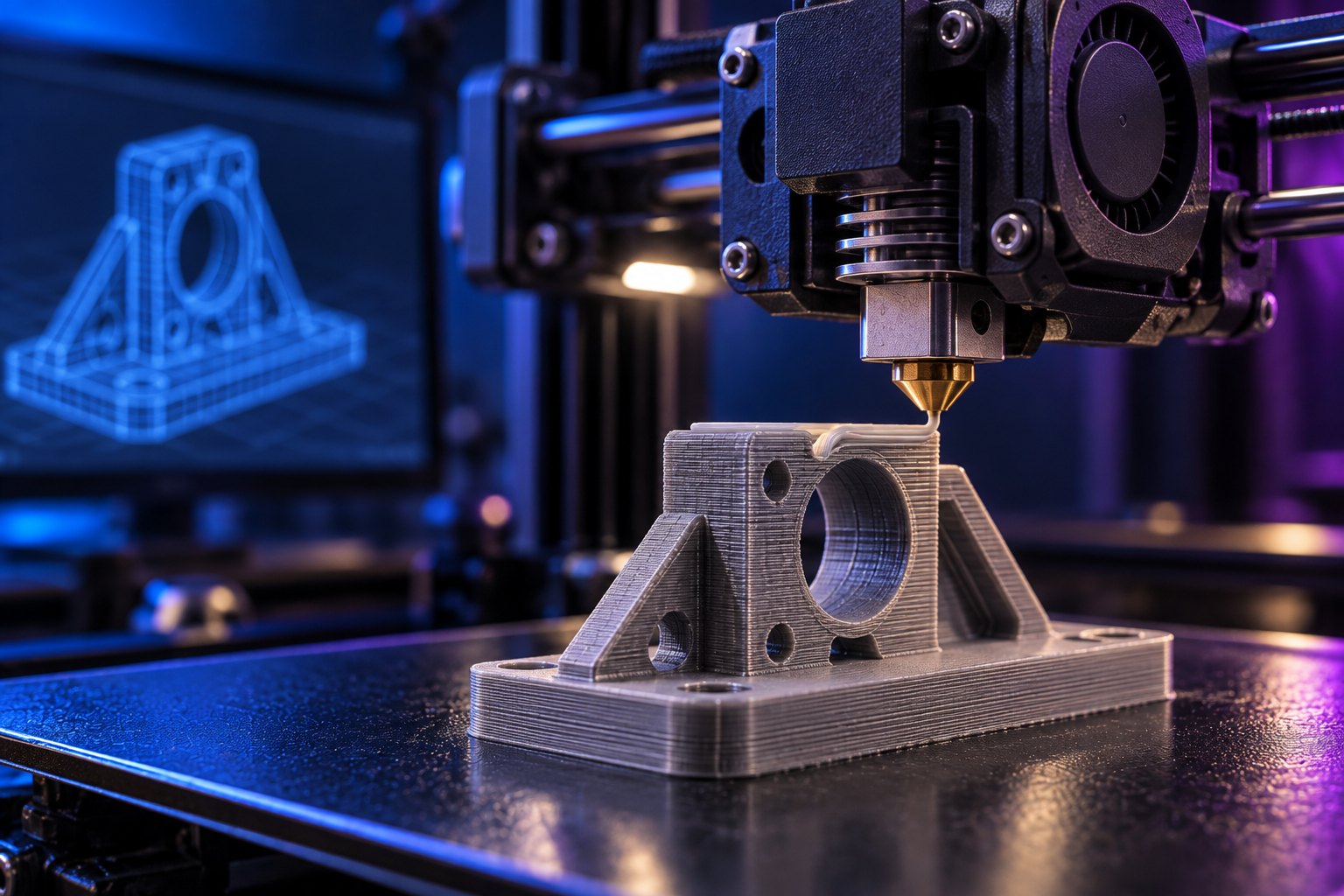
Seeing a model on screen and having it be printable are two different things. A part that looks flawless in CAD can arrive at the slicer full of holes. Below are the problems we meet most often in incoming files, and how to solve them at the source.
File format first
STL is the most common format and the weakest: it carries only surface triangles, no unit information and no colour. If something is wrong, going back to fix it is hard.
Send STEP (.step / .stp) if you can. STEP carries parametric geometry; if we need to change a dimension, thicken a wall or open up a hole, we can do it without breaking the file. In STL the same operation usually means redrawing the model.
Formats we accept: STL, STEP, OBJ, 3MF, IGES.
Resolution when exporting STL
Most CAD packages offer a “coarse / normal / fine” choice on export. The default setting makes cylindrical faces look polygonal. A practical rule:
- Deviation (chord height): 0.01 mm
- Angle tolerance: 5°
Anything finer only inflates the file without changing the print. STL files over 100 MB are almost always the result of excessive resolution.
Wall thickness
This is the problem we see most. A 0.4 mm wall looks fine on screen, but on FDM the nozzle is 0.4 mm across; the machine lays a single line and the part falls apart in your hand.
Our recommended minimums:
- FDM, non-structural surface: 1.2 mm (three lines)
- FDM, load-bearing wall: 2 mm and above
- SLA / resin: 1 mm, down to 0.6 mm for free-standing fine detail
Clearance — parts that fit together
If two parts have to mate, do not give them the same nominal dimension in CAD. Printed material shrinks as it cools and the outer dimension shifts by a few hundred microns. Parts drawn to the exact same size either will not go together or will be forced.
- Press fit (goes in hard, does not come out): 0.1 – 0.2 mm clearance
- Normal fit (goes in and out by hand): 0.2 – 0.3 mm
- Moving part (hinge, sliding lid): 0.4 – 0.5 mm
Holes and screw bosses
On FDM, round holes usually come out 0.1–0.2 mm undersize; hot plastic shrinks inwards. If the hole is critical there are two routes:
- Draw the hole 0.2 mm oversize.
- Or draw it nominal and let us drill or tap it after printing — which is what we usually do.
Do not model screw threads. M3–M8 threads do not come out cleanly in printing. Either leave a boss for a brass insert (we heat-set them) or model a nut pocket. Both are far stronger.
Overhangs and bridges
Surfaces up to 45° from vertical print without support. Flatter surfaces need support, and support means extra material, extra time and a witness mark where it is removed.
A small chamfer or a 45° transition in the design can remove the need for support entirely. We choose the print orientation, but the cleaner the geometry lets us orient the part, the cleaner the result.
Six common mistakes
- Non-manifold model. Gaps between surfaces, flipped normals, overlapping bodies. The slicer cannot treat the part as a solid. Fixed with mesh repair / stitch checking in CAD.
- Unit confusion. A file saved in inches arrives 25.4 times too small. STL carries no units; put the size in the file name or note “longest edge 180 mm” in your message.
- Walls too thin. Below the minimums above.
- Exact-size mating parts. Assemblies drawn without clearance.
- Modelled screw threads. An insert boss or nut pocket gives a much better result.
- Unnecessarily fine detail. A 0.2 mm embossed text is unreadable in FDM. Allow at least 1 mm height and 0.5 mm depth for lettering; anything finer is SLA work.
Checklist before you send
- Is the model closed and a single body?
- Are the units mm, and did you state the longest edge?
- Is the thinnest wall above 1.2 mm?
- Is there 0.2–0.3 mm clearance on mating features?
- Insert boss or nut pocket instead of a modelled thread?
- Any very flat surfaces that would need heavy support?
- Is the file under 100 MB?
A file that passes this list almost always prints right the first time. If you are unsure about something, send it anyway — we check every file before printing and come back with a suggested fix if we spot a problem.